Processing a warranty replacement is a simple process, from identifying the initial concern with your system to receiving and installing the replacement part. The Q-PAC Product Support team created this guide to walk through the process of identifying an issue, evaluating the concern, and knowing when to open a support case.
Let's review the process for a general replacement part. There are two main reasons to replace a part:
A) End of life where lifetime of the part has expired
B) Specific issue or electrical event occurred at the site causing premature failure
The replacement process is the same for most warranty claims regardless of the type of part you need replaced.
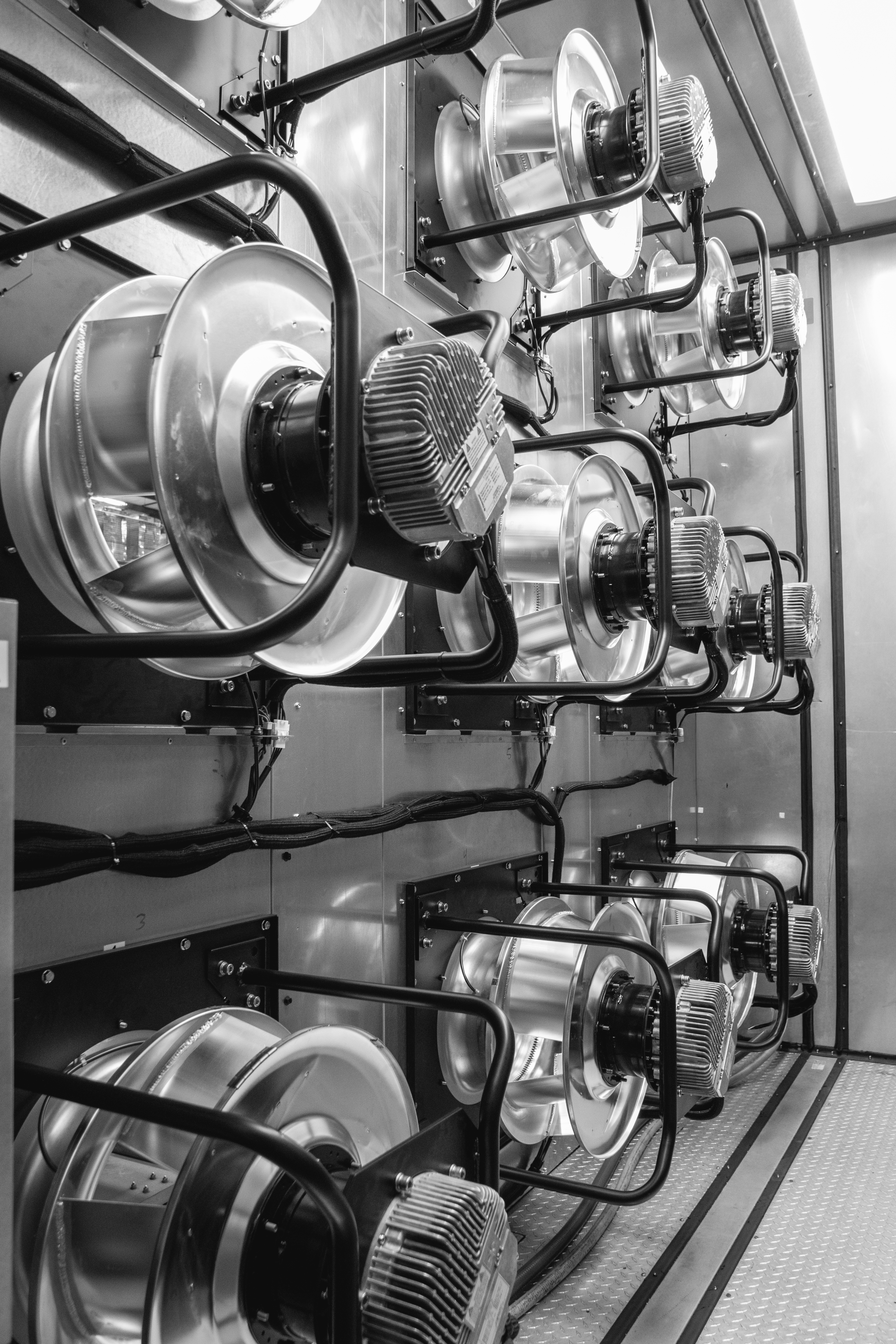
In this example, we will use a plug fan as the failed component. While losing a plug fan or motor can be concerning, the MPF is specifically designed with multiple plug fans so you can breathe easy and trust the process. We will have a replacement part to you as soon as possible.
First, we recommend verifying that the Q-PAC system is in alarm, either at the control panel or via BMS. (With a fan-only or Basic Control Panel, you would need to monitor the alarm relay specified in the wiring guide for your system.)
Once you identify that the Q-PAC system is in alarm - it will show 'Q-Fan in Alarm” - you will then need to identify which specific plug fan or part is causing this alarm. This can be done in 2 ways:
1. Identifying the HMI screen via the fan status screen
2. Simply walking inside the unit while energized (energized = safety circuit is made and M1 contactor is pulled in) and modulate the system in hand at a low safe speed modulation (15-20% modulation).
Once you identify which motor is not spinning, then you would look for the LED on the back of the motor. For a plug fan that is in alarm, the LED will be flashing or off. A solid LED light is a good sign that indicates that the motor is functioning properly.
When you have a failed component, our goal is to help identify the cause. As an example, below are the questions we would ask if you have a plug fan in alarm: (Questions differ per component)
What is the cause of motor failure?
Does the motor power up?
Do all 3 legs have power to GND? Is your motor receiving a direct 0-10VDC signal at GND and E1? You will typically need to remove the back cover typically during a new start up.
Have the motor protection fuses been checked?
What is the status (if applicable) of the LED light on the back of the motor?
Once we've identified the answers to these questions, we will move forward with troubleshooting and processing the warranty claim if needed.
For questions or assistance identifying an issue, you can always reach out to the Q-PAC Support team. You can call us at 904-863-5300 or you can open a ticket on our Support site.
To open a ticket, you'll just need the associated unit information, which can be found in one of the locations outlined on this page: https://support.q-pac.com/find-your-numbers.